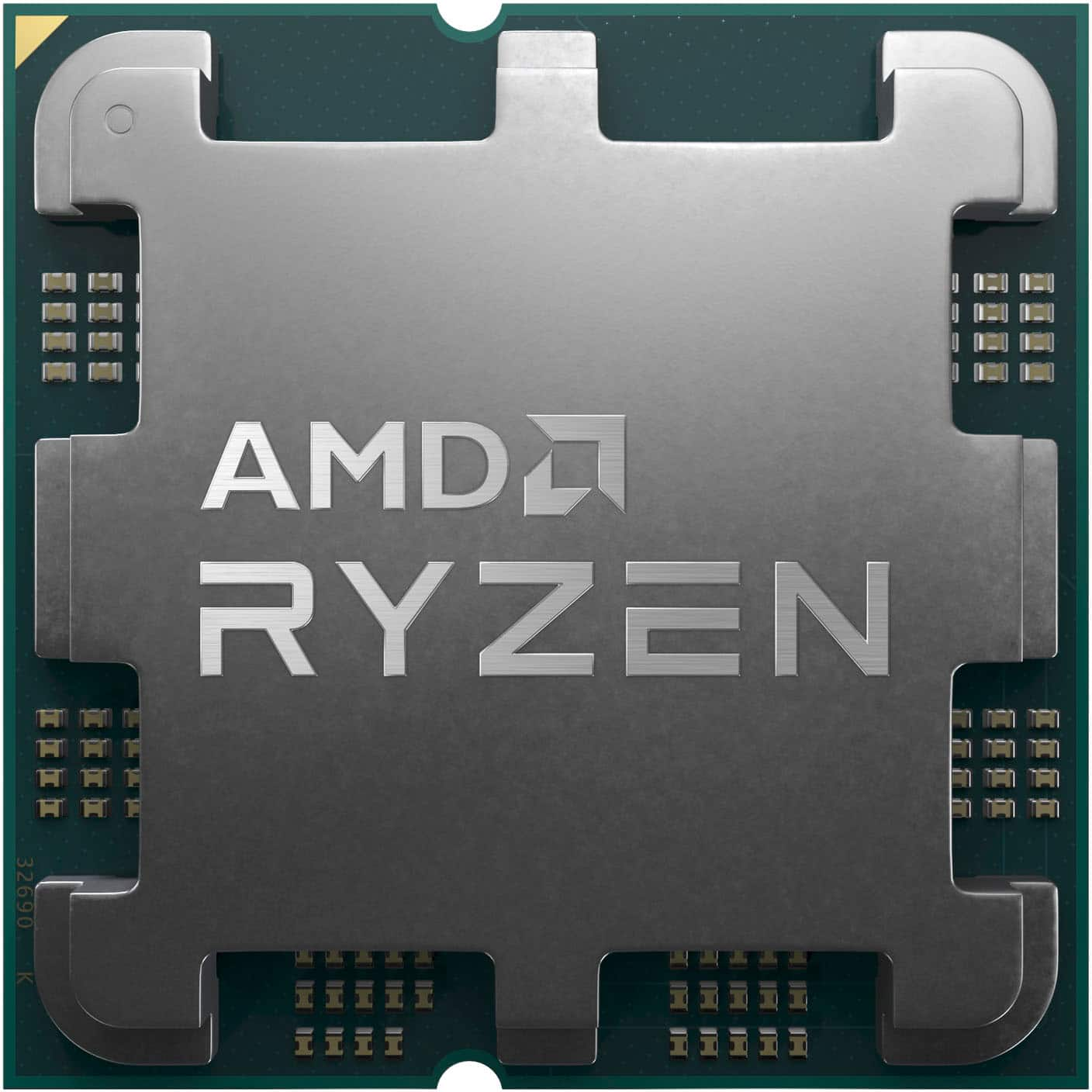
AMD Vega 8 graphics isn't built for heavy modern AAA titles, but it handles everyday office workflows, media consumption, and esports games just fine. If you're running a budget desktop built on an older Ryzen APU or an older laptop, understanding its true boundaries stops you from wasting money on games it can't render.
This integrated graphics solution draws its power from system memory rather than dedicated VRAM. That single architectural choice dictates everything about how well it performs. Let's break down what this hardware can handle, where it falls apart, and how to configure your system to squeeze out every drop of performance.
What is AMD Vega 8 Graphics?
Vega 8 is an integrated graphics processing unit built into select AMD Ryzen processors, spanning desktop chips like the Ryzen 3 2200G and mobile processors like the Ryzen 5 3500U and Ryzen 5 5500U. It features 512 shading units and relies entirely on system RAM to function.
Because it lacks dedicated video memory, it carves out a portion of your installed system RAM to use as a frame buffer. If your computer has slow memory or a single memory stick, the graphics core starves for data. When paired with fast dual-channel RAM, it punches well above its weight class for an integrated chip from its era.
Real-World Gaming Performance
You won't be running graphic-intensive releases at high settings. However, Vega 8 handles lighter competitive titles and older classics smoothly if you lower your expectations and adjust your resolution.
Esports and Lightweight Titles
Competitive multiplayer games are where this integrated GPU finds its footing. You can expect playable frame rates in games built to run on a wide variety of hardware:
- League of Legends and Dota 2: Easily runs at 1080p with medium to high settings, routinely staying well above 60 frames per second.
- CS2 and Valorant: Fully playable at 720p or 900p on low settings, averaging between 40 and 60 frames per second.
- Rocket League: Smooth performance at 900p or 720p with performance settings enabled.
Modern AAA Games
Demanding modern releases expose the age of the architecture. Heavy titles with complex lighting, dense geometry, and ray tracing will either fail to launch or stutter heavily.
For instance, trying to run a visually heavy open-world title usually results in unplayable frame rates, even at 720p on the lowest settings. If you attempt to play recent heavy releases, you'll encounter severe stuttering and input lag. Upscaling tools like AMD FidelityFX Super Resolution help marginally, but they can't make up for a lack of raw hardware horsepower.
Office Work, Productivity, and Content Creation
While gaming limits are strict, office work and light productivity tasks run smoothly.
Daily Productivity and Multitasking
For web browsing with dozens of tabs open, processing spreadsheets, managing emails, and running text editors, Vega 8 is more than capable. It supports multi-monitor setups at 1080p and 4K output for desktop use, making it a solid choice for home offices or student setups.
Video Editing and 3D Rendering
Light media work is possible, but heavy workloads create bottlenecks:
- Video Editing: Cutting 1080p video footage in software like Premiere Pro or DaVinci Resolve is manageable. 4K editing will cause major timeline lag and slow render times.
- Graphic Design: Photoshop and Illustrator run fine for basic photo manipulation and vector work. Heavy 3D rendering in Blender or CAD software will strain the system due to the lack of dedicated compute units and VRAM.
How to Optimize Your System for Vega 8
Because this graphics core depends heavily on your system configuration, small changes yield massive performance gains.
- Install Dual-Channel RAM: Running a single stick of RAM cuts your memory bandwidth in half, tanking frame rates by up to 40 percent. Always use a matched pair of two RAM sticks (such as 2x8GB).
- Upgrade to Faster Memory: If your motherboard supports it, use DDR4-3200 or faster RAM. Faster system memory directly translates to higher frame rates in games.
- Enable XMP or DOCP: Check your motherboard BIOS to ensure your RAM is running at its rated speed rather than the default fallback speed.
- Allocate VRAM in BIOS: You can manually adjust the amount of frame buffer memory dedicated to the integrated graphics if your system restricts automatic allocation.
- Keep Drivers Updated: Download the latest appropriate drivers directly from the AMD Official Website to maintain stability and minor performance patches.
Common Mistakes to Avoid
Many users misconfigure their budget builds, leading to poor performance that isn't actually the fault of the hardware itself. Avoid these frequent pitfalls:
- Buying a single 16GB stick: Saving money upfront by buying one stick ruins integrated graphics performance. Two smaller sticks always win here.
- Ignoring thermal management: Laptops with weak cooling will thermally throttle under sustained loads, dropping your frame rates mid-game. Clean out dust and ensure good airflow for desktop builds.
- Expecting modern upgrades to fix architectural limits: No software tweak can turn an older integrated GPU into a modern discrete card. Match your software expectations to the hardware limits.
Frequently Asked Questions
Can AMD Vega 8 run Windows 11?
Yes. Processors featuring Vega 8 graphics (such as Ryzen 2000G series desktop chips and Ryzen 3000/4000/5000 mobile chips) are largely supported by Windows 11, provided your motherboard has TPM 2.0 enabled.
How much dedicated VRAM does Vega 8 have?
It doesn't have dedicated VRAM. Instead, it dynamically shares up to half of your system RAM depending on your total memory pool and BIOS settings.
Is Vega 8 better than Intel UHD graphics?
It depends on the generation. Vega 8 generally outperforms older Intel UHD graphics found in 8th and 10th gen Intel chips, though later Intel Iris Xe graphics closed that gap significantly.
Can I add a graphics card later to a Vega 8 system?
Yes. If your power supply and PC case have enough physical space and wattage, you can install a discrete graphics card like an AMD Radeon or NVIDIA GeForce card later to transform your gaming performance. Learn more about hardware compatibility at PCPartPicker.



