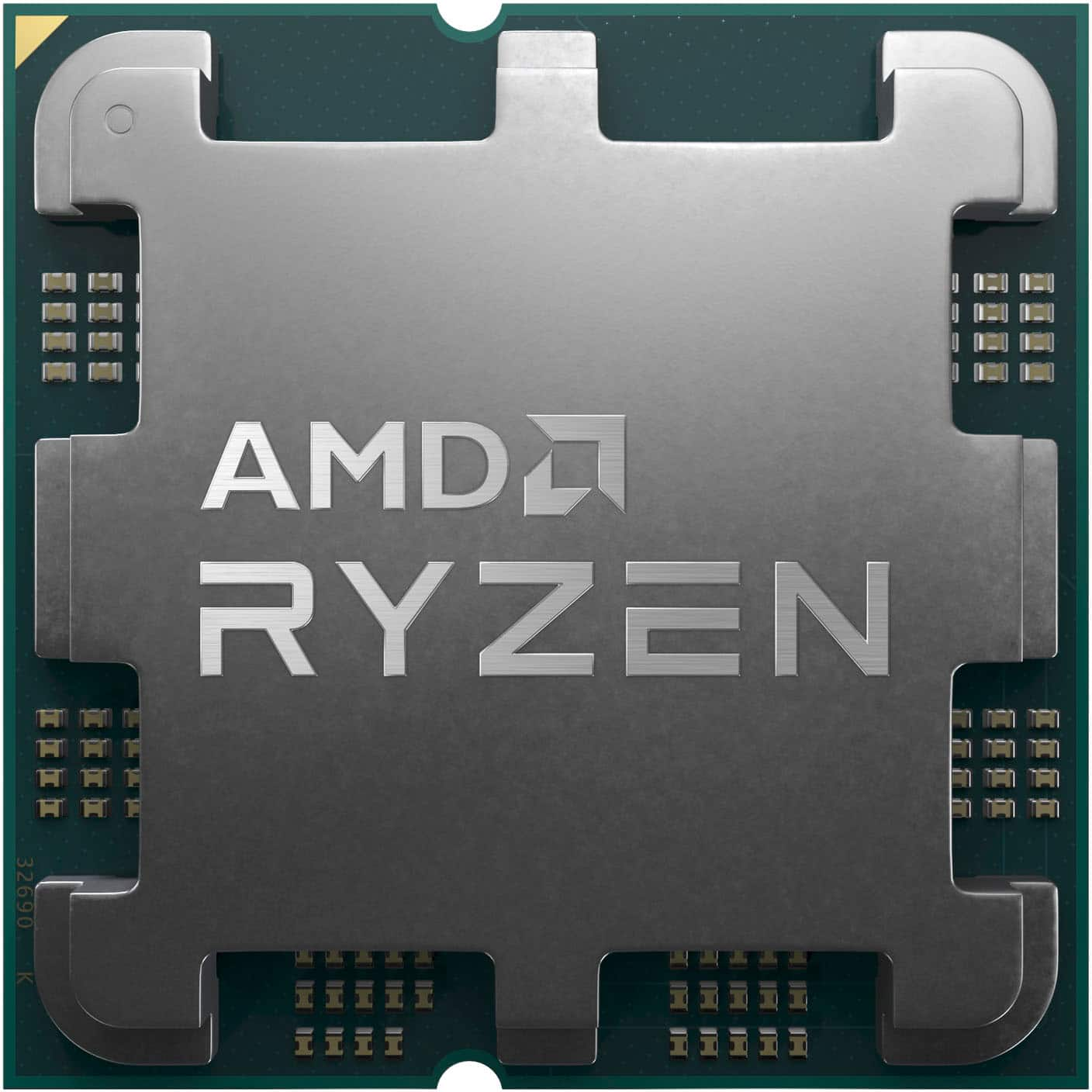
Choosing the right processor shapes your entire computer experience. Whether you're building a rendering rig or upgrading an aging desktop, AMD Ryzen processors offer a mix of high core counts, energy efficiency, and long platform support. Understanding how these CPUs handle heavy tasks helps you pick the right chip without overspending on unnecessary hardware.
The modern processor market rewards efficiency just as much as raw speed. Ryzen chips stand out by balancing multi-threaded power with low power draw, making them popular for both compact laptops and heavy-duty workstations. Let's break down how these processors work, how different generations stack up, and what you need to know before buying your next CPU.
Architectural Foundations of the Ryzen Lineup
AMD changed the CPU landscape in 2017 with the introduction of its Zen architecture. Instead of monolithic silicon dies that were expensive and difficult to manufacture, AMD adopted a modular chiplet design. This approach placed CPU cores on separate chiplets connected by an Infinity Fabric, while a separate die handled input and output tasks.
This design allowed AMD to scale core counts rapidly while keeping manufacturing costs under control. Over the years, iterative updates improved instructions per cycle, reduced cache latency, and optimized power delivery.
- Zen and Zen+: Established the core multi-threaded advantage, bringing affordable 6-core and 8-core options to mainstream desktop sockets.
- Zen 2 and Zen 3: Refined the chiplet layout, dramatically boosting single-core speeds and gaming responsiveness while maintaining backward compatibility on older motherboards.
- Zen 4 and Later: Shifted to the AM5 platform, introducing native support for DDR5 memory, PCIe 5.0 lanes, and advanced power management features tailored for modern operating systems.
Performance Breakdown Across Generations
Performance isn't just about clock speed. Cache size, thermal design power, and architecture efficiency dictate how a processor handles real workloads.
The Rise of 3D V-Cache Technology
One of AMD's most impactful engineering choices is its 3D V-Cache technology. By vertically stacking additional cache memory directly on top of the processor die, AMD drastically increased the amount of L3 cache available to the cores.
For applications that rely heavily on quick data retrieval—such as simulation software, complex data compilation, and high-framerate gaming—this extra cache reduces memory wait times. For example, chips like the Ryzen 7 7800X3D leverage this cache layout to deliver top-tier gaming performance while drawing modest power.
Power Efficiency and Thermal Limits
Performance-per-watt has become a key metric for modern builders. Ryzen processors adjust clock speeds dynamically based on temperature headroom and workload demands using Precision Boost 2.
If your cooling setup keeps temperatures low, the processor pushes higher clock speeds automatically. This means a standard air cooler is often enough for mid-range Ryzen 5 chips, while high-end Ryzen 9 options require robust liquid cooling or large dual-tower air coolers to sustain maximum multi-core boosts during long rendering sessions.
Targeted Applications and Real-World Effectiveness
Real-world performance depends heavily on the software you run. Here is how Ryzen chips handle common heavy workloads:
- Content Creation and Video Editing: Applications like Adobe Premiere Pro and Blender scale well with high core counts. Ryzen 9 processors handle 4K and 8K timeline scrubbing smoothly, cutting export times down significantly compared to older quad-core or hexa-core setups.
- Gaming and Streaming: Modern games utilize multiple threads for asset loading and background physics. Pairing a Ryzen CPU with an independent graphics card ensures stable frame rates while running capture software in the background.
- Productivity and Multitasking: Running heavy spreadsheets, virtual machines, and dozens of browser tabs simultaneously benefits from high thread counts. Ryzen 7 models handle these office workflows without stuttering.
Futureproofing and Platform Longevity
When you buy a processor, you also buy into a motherboard socket. One of AMD's biggest selling points is platform longevity.
Unlike competitors who shift sockets every two generations, AMD supported the AM4 socket for many years, letting users drop a brand-new Ryzen 5000 series chip into a motherboard originally bought for Ryzen 1000 chips with a simple BIOS update. The newer AM5 platform follows this same philosophy, ensuring that early adopters will have a clear upgrade path for future CPU generations without needing to replace their motherboard and memory.
Common Mistakes When Choosing a Ryzen Processor
Buyers often make a few common errors when selecting a new CPU:
- Overbuying core counts: If you only game and browse the web, a 16-core Ryzen 9 offers little benefit over a well-priced 6-core or 8-core Ryzen 5 or 7. Spend that extra budget on a better graphics card or faster storage instead.
- Ignoring RAM speed: Ryzen processors rely heavily on fast system memory. Running slow RAM bottlenecks the Infinity Fabric clock speed, reducing overall system responsiveness. Aim for sweet-spot memory speeds recommended for your specific generation.
- Skimping on power supplies: While Ryzen chips are efficient, transient power spikes require a stable, high-quality power supply to prevent unexpected system shutdowns during heavy loads.
Frequently Asked Questions
Do I need a dedicated graphics card with a Ryzen processor?
Most standard Ryzen desktop processors require a discrete graphics card because they lack integrated graphics. However, processors ending with an "G" or "GE" suffix, as well as the entire Ryzen 7000 and 8000 desktop lineups, feature basic integrated Radeon graphics suitable for troubleshooting, office work, and light media consumption.
What is the difference between Ryzen 5, 7, and 9?
Ryzen 5 chips target mainstream gaming and everyday productivity with 6 cores. Ryzen 7 models step up to 8 cores for heavier multitasking and content creation. Ryzen 9 processors offer 12 to 16 cores, built for professional workloads, heavy rendering, and extreme multitasking.
Is DDR5 memory required for all Ryzen processors?
No. Ryzen 1000 through 5000 series processors use DDR4 memory. Ryzen 7000 series processors and newer require the AM5 platform, which exclusively supports faster DDR5 memory modules.
How does Precision Boost Overdrive work?
Precision Boost Overdrive is a feature in the BIOS that lets your processor exceed standard power limits if your cooling system can handle the extra heat. It provides a modest, automatic performance bump without requiring manual core-by-core overclocking.



