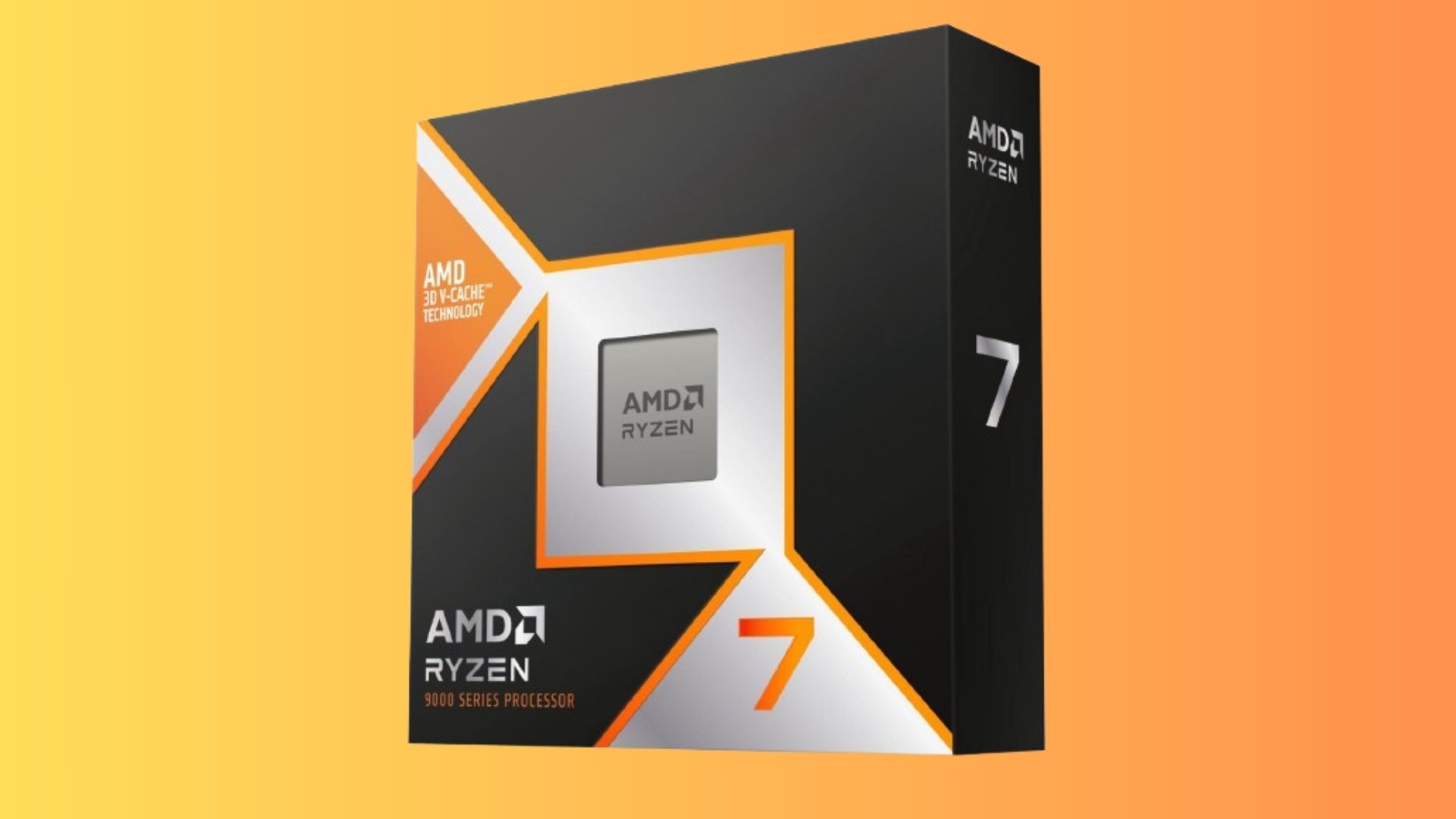
When AMD launched the Zen 3 architecture for notebooks, the mobile processor lineup shifted dramatically. At the forefront of that high-performance generation sat a specialized silicon piece designed for enthusiast notebooks: the AMD Ryzen 9 5900HX. Packing eight physical cores, sixteen threads, and an unlocked multiplier, this 45W+ mobile chip targeted gamers and creators who refused to compromise on portable processing power.
If you're evaluating how this processor handles modern workloads, thermal demands, and real-world gaming performance, understanding its core specifications provides a clear picture. Built on TSMC's 7nm process under the codename Cezanne, the chip delivers strong instructions-per-clock (IPC) gains over previous Ryzen generations. Let's break down how it performs, where it shines, and its limitations in modern computing setups.
Core Specifications and Architectural Breakdown
Underneath the integrated metal lid, the AMD Ryzen 9 5900HX relies on a monolithic die layout rather than a chiplet design, which helps minimize memory latency across cores.
- Cores and Threads: 8 cores and 16 threads utilizing AMD's Simultaneous Multithreading (SMT).
- Clock Speeds: 3.3 GHz base clock, boosting up to 4.6 GHz via Precision Boost 2.
- Cache: 16 MB of unified L3 cache shared across all cores.
- Thermal Design Power: Rated at 45W nominal, with configurable power limits (cTDP) typically ranging from 35W to 54W depending on the laptop chassis.
- Memory Support: Dual-channel interface supporting DDR4-3200 and LPDDR4-4266 RAM.
The "HX" suffix signifies an important distinction: unlike standard mobile parts, this processor features an unlocked multiplier. Paired with manufacturer software like ASUS ROG Armoury Crate, users can tweak voltages and overclock the CPU multiplier if thermal headroom permits.
Real-World Gaming Performance
In mobile gaming, a CPU's job is to feed frames to the discrete GPU without introducing bottlenecks. Paired with high-end graphics processors like the NVIDIA GeForce RTX 3080 Laptop GPU or AMD Radeon RX 6800M, the processor handles high refresh rate 1080p and 1440p gaming smoothly.
Because of its strong single-core IPC and 16 MB L3 cache, minimum framerates stay remarkably stable in CPU-heavy titles like Cyberpunk 2077, Shadow of the Tomb Raider, and competitive esports shooters. Stuttering caused by background Windows processes drops significantly compared to older quad-core or hexem-core mobile setups.
Thermal Management and Power Tuning
Notebook manufacturers implement varying cooling solutions for this chip, which directly impacts sustained performance.
- Chassis Design Matters: Thin-and-light laptops often cap the processor closer to 45W during long sessions, causing minor clock regressions.
- Bulkier Desktop Replacements: Heavy duty laptops with vapor chambers allow the chip to draw over 65W sustained, maintaining higher boost clocks near 4.2 GHz across all cores.
- Liquid Metal Application: Many laptops featuring this processor utilize factory-applied liquid metal thermal compound instead of standard paste, reducing core temps by several degrees Celsius under full load.
Content Creation and Multi-Threaded Workloads
Gaming is only part of the equation. For video editors, 3D modelers, and software developers, the multi-threaded throughput of the eight Zen 3 cores provides massive utility.
Tasks such as rendering scenes in Blender, compiling large codebases in Visual Studio, or exporting 4K timelines in Adobe Premiere complete rapidly. Multi-core benchmark scores frequently trade blows with competitive desktop silicon from the same era, making a laptop equipped with this chip a viable mobile workstation.
Common Mistakes When Optimizing Mobile Ryzen
Many users fail to extract peak performance from their laptops due to a few common configuration errors:
- Neglecting RAM Configuration: Some entry-level laptops ship with single-channel memory or slower secondary memory modules. Upgrading to matched dual-channel kits unlocks up to a 15% performance bump in memory-sensitive games.
- Ignoring OEM Software Profiles: Running games on Windows "Battery Saver" or quiet modes severely limits power budgets. Switching to performance profiles in vendor software unleashes full wattage.
- Allowing Dust Buildup: High-performance laptops require clean intake vents. Failing to clean out fan fins every six months leads to thermal throttling.
Frequently Asked Questions
Can you manually overclock the AMD Ryzen 9 5900HX?
Yes. The "HX" designation means the multiplier is unlocked. However, because it operates inside a laptop chassis, thermal limits usually restrict aggressive manual overclocks. Most users achieve better results by optimizing factory Precision Boost Overdrive (PBO) settings.
Does this processor support PCIe Gen 4?
No. Despite supporting high-end features, the Cezanne mobile silicon natively relies on a PCI-Express Gen 3 interface for communication with components and storage drives.
Is this chip still relevant for modern gaming?
While newer generations of mobile processors feature architectural updates and faster DDR5 memory support, an eight-core Zen 3 chip remains more than capable of driving modern titles when paired with a competent graphics card.
What is the maximum supported temperature?
The rated maximum operating temperature (tJMax) for this silicon is 105°C. While it safely boosts up to these thresholds under extreme loads, maintaining lower temperatures via clean airflow preserves long-term hardware longevity.



