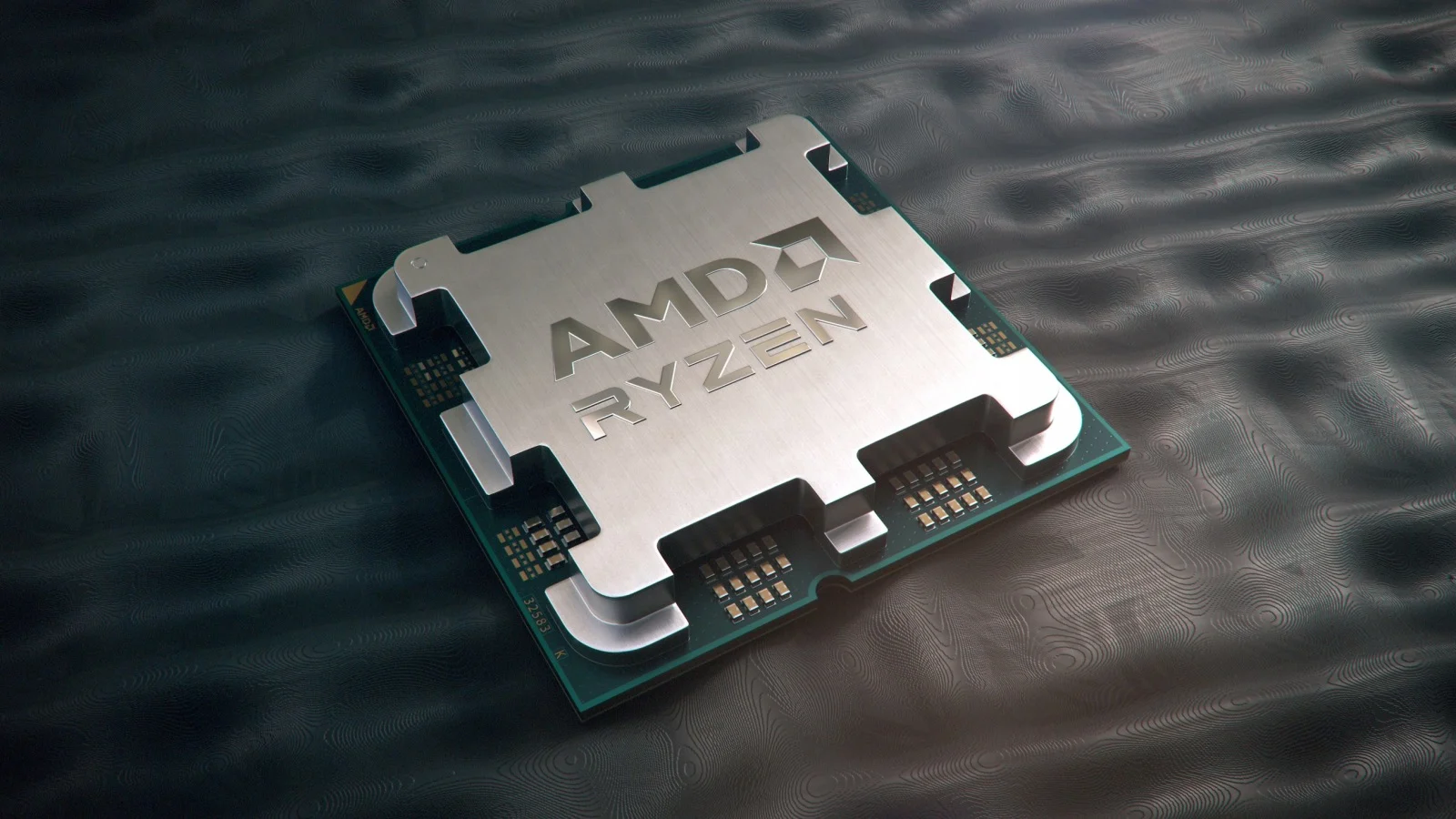
When AMD launched its Raven Ridge architecture, the desktop processor market shifted. Released in May 2018, the AMD Ryzen 5 PRO 2400G combined four Zen CPU cores with Radeon Vega 11 graphics onto a single silicon die. This design targeted enterprise desktops needing reliable hardware security features alongside dependable graphics capabilities without a dedicated graphics card. For budget builders, office workstations, and light e-sports gaming setups, this APU offered a practical way to get a complete system running on a tight budget.
Core Architecture and Specifications
Underneath the metal integrated heat spreader, the chip features four physical cores and eight threads, a base clock of 3.6 GHz, and a maximum boost clock of 3.9 GHz. It operates on the AM4 socket platform and carries a default Thermal Design Power rating of 65 watts, which you can configure down to 46 watts for compact chassis designs or low-power office builds.
Security features set the PRO variant apart from its standard consumer counterpart. The processor includes AMD GuardMI technology, incorporating memory encryption and a dedicated hardware coprocessor designed to secure enterprise environments against firmware attacks. System builders paired these chips primarily with B350, B450, X370, or X470 motherboards, though later BIOS updates often allowed compatibility with newer 500-series boards.
Integrated Vega 11 Graphics Performance
The standout element of this processor is its Radeon Vega 11 graphics engine, packing 704 stream processors. Because integrated graphics lack dedicated video memory, the performance depends heavily on system RAM speed and configuration.
Running single-channel memory throttles the graphics pipeline severely. To get acceptable frame rates, you must install fast, dual-channel DDR4 memory—ideally running at 3000 MHz or higher. With proper memory pairing, the Vega 11 graphics handle everyday productivity tasks, multi-monitor setups, and hardware-accelerated media playback effortlessly. For entertainment, it runs lighter titles like Counter-Strike, League of Legends, and Dota 2 smoothly at 1080p on lower detail settings. Modern, graphically demanding AAA titles require dropping the resolution to 720p with low graphical presets to achieve playable frame rates.
System Memory and Thermal Management
Optimizing a build around this processor requires attention to thermal conditions and memory kits.
- Dual-Channel RAM: Always install two identical memory sticks. Single-channel setups cut the graphics performance roughly in half because the integrated GPU shares system memory bandwidth.
- Cooler Selection: The standard 65W TDP generates modest heat. Standard bundled coolers like the AMD Wraith Stealth keep temperatures well within safe operating limits during standard office workflows.
- BIOS Updates: Ensure your motherboard BIOS is up to date before dropping this CPU into an AM4 socket, particularly if you are using B450 or X470 chipsets, to guarantee full stability and correct microcode support.
Common Mistakes to Avoid
Builders often make specific errors when assembling systems around older APUs. Avoid pairing this processor with slow, single-channel memory kits, as this bottleneck wastes the potential of the Vega graphics engine. Do not expect modern ray-tracing or high-settings gaming performance without a dedicated graphics card; treat the integrated graphics as an entry-level solution for light workloads. Finally, check motherboard compatibility lists before purchasing older chipsets to ensure the board supports Raven Ridge chips out of the box without requiring a legacy CPU to flash the BIOS.
You can check official architecture details directly on the AMD Specifications Page or explore broader industry database comparisons at TechPowerUp.
Frequently Asked Questions
Can the AMD Ryzen 5 PRO 2400G run Windows 11?
Official Microsoft compatibility lists generally exclude first-generation Zen processors from supporting Windows 11 natively, though workarounds exist. For official, secure enterprise support, users typically keep these systems on Windows 10.
Does this processor require a dedicated graphics card?
No. The integrated Radeon Vega 11 graphics allow the system to output video to monitors directly from the motherboard's display ports, eliminating the need for a discrete GPU in office or basic home setups.
Can I overclock this processor?
Yes, the multiplier is unlocked. You can overclock both the CPU cores and the integrated graphics clock speeds using software like AMD Ryzen Master, provided your motherboard has adequate VRM cooling and power delivery.
How does it compare to the non-PRO 2400G?
The computing and graphics silicon are identical. The primary difference lies in the enterprise-grade security and manageability features bundled into the PRO silicon variant for corporate IT deployment.



