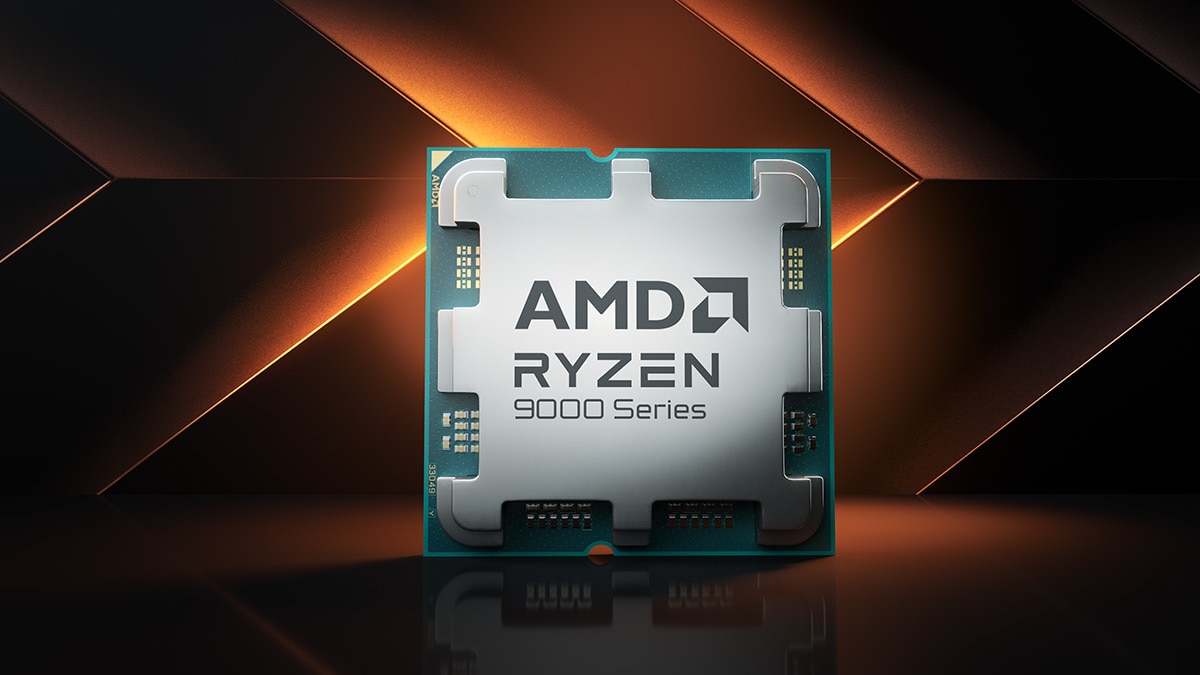
If you are running an older laptop or desktop powered by a Ryzen processor, you likely rely on the AMD Radeon RX Vega 8 for your daily visuals. Released alongside mobile and desktop chips like the Ryzen 4000 and 5000 series, this integrated graphics processor handles everyday multitasking, media streaming, and light esport titles without requiring a dedicated graphics card. While newer architectures like AMD RDNA 3 and Intel Arc graphics dominate modern hardware discussions, millions of systems still utilize this Vega-based solution.
The short answer to whether it holds up today is yes, but with clear boundaries. It won't power modern AAA blockbusters at high frame rates, but it remains a capable engine for office productivity, media consumption, and older or optimized competitive games. Let us break down its exact specifications, real-world performance metrics, and whether your current setup needs an upgrade.
Core Technical Specifications
Understanding how this integrated graphics processor works requires looking under the hood of the processor die. Unlike a discrete graphics card with its own dedicated VRAM, the Vega 8 borrows a portion of your system memory to use as video RAM.
- Architecture: Vega (GCN 5.0)
- Process Node: 7nm (for Ryzen 4000/5000 mobile) or 14nm (for older desktop APUs)
- Compute Units (CUs): 8
- Shaders / Stream Processors: 512 unified
- Clock Speed: Varies from 1400 MHz up to 2100 MHz depending on the specific Ryzen processor model
- Memory Type: Shared system RAM (strictly depends on your RAM speed and dual-channel configuration)
Because the graphics engine relies on system memory, performance scales heavily with your RAM setup. Single-channel memory chokes the processor, while fast dual-channel RAM unlocks its full potential. You can check official details on processor pairings via the AMD Processors Page.
Real-World Gaming Performance
Testing this graphics processor in actual games reveals a tale of two eras. Esports titles run surprisingly well, while modern graphic-heavy titles struggle heavily unless heavily optimized.
Esports and Lightweight Games
Games built to scale across a wide variety of hardware run smoothly at 720p or 1080p on low-to-medium settings.
- League of Legends: Easily clears 100 frames per second on medium settings at 1080p.
- Dota 2: Maintains a stable 60 to 90 frames per second on lower preset configurations.
- CS2 / Valorant: Playable at 720p or lowered 1080p resolution, usually hovering around 50 to 70 frames per second if paired with fast dual-channel RAM.
Modern AAA Gaming
Trying to launch recent releases like Cyberpunk 2077 or newer Unreal Engine 5 titles on this hardware leads to severe performance bottlenecks. You will encounter low frame rates, stuttering, and aggressive scaling requirements. It lacks hardware support for modern features like mesh shaders or advanced ray tracing, meaning many modern titles will refuse to launch or run at unplayable single-digit frame rates.
Productivity and Content Creation
While gaming limits are strict, office work and light creative tasks tell a different story.
- Video Editing: Standard 1080p video editing in software like Adobe Premiere Pro or DaVinci Resolve runs fine for basic cuts and transitions. 4K timeline scrubbing or heavy color grading will overwhelm the system.
- Web Browsing and Multitasking: Rendering heavy web pages, running multiple browser tabs, and managing spreadsheets happen smoothly. The media block handles hardware decoding for common video codecs like H.264 and HEVC, making 4K YouTube streaming seamless.
- Graphic Design: Photoshop and Illustrator handle standard raster layers and vector work well, provided your system has at least 16GB of total RAM to share with the GPU.
Common Mistakes That Kill Performance
Many users experience poor performance with this integrated processor due to simple setup errors. Avoiding these common pitfalls keeps your system running at its best.
- Using Single-Channel RAM: Running a laptop with only one stick of RAM cuts your memory bandwidth in half, instantly dropping graphics performance by 20 to 30 percent. Always ensure your system uses matching pairs of RAM sticks.
- Ignoring Thermal Maintenance: Laptops with integrated graphics often rely on a single fan to cool both the CPU and the GPU. Built-up dust causes thermal throttling, dropping your clock speeds during gaming sessions.
- Outdated Drivers: Using manufacturer-default graphics drivers from years ago leads to bugs in newer applications. Pulling updated drivers directly from the AMD Support Center resolves compatibility errors.
Frequently Asked Questions
Can I upgrade the Vega 8 graphics on my laptop?
No. Integrated graphics are permanently built into the main processor die. You cannot swap or upgrade the GPU independently. Upgrading your system RAM is the only hardware adjustment that directly impacts its performance.
How much dedicated VRAM does it have?
It does not have dedicated VRAM. It dynamically allocates a portion of your system RAM. You can sometimes adjust this allocation size within your laptop or desktop BIOS settings, though Windows manages this automatically in most cases.
Is this GPU good for students and office workers?
Yes. For word processing, coding in lightweight environments, joining video calls, and managing heavy spreadsheets, systems with this integrated graphics solution remain fast and reliable.
Does it support Windows 11?
Yes. Processors paired with this graphics engine (primarily Ryzen 4000 series and newer) feature official Microsoft driver and security support for Windows 11.



