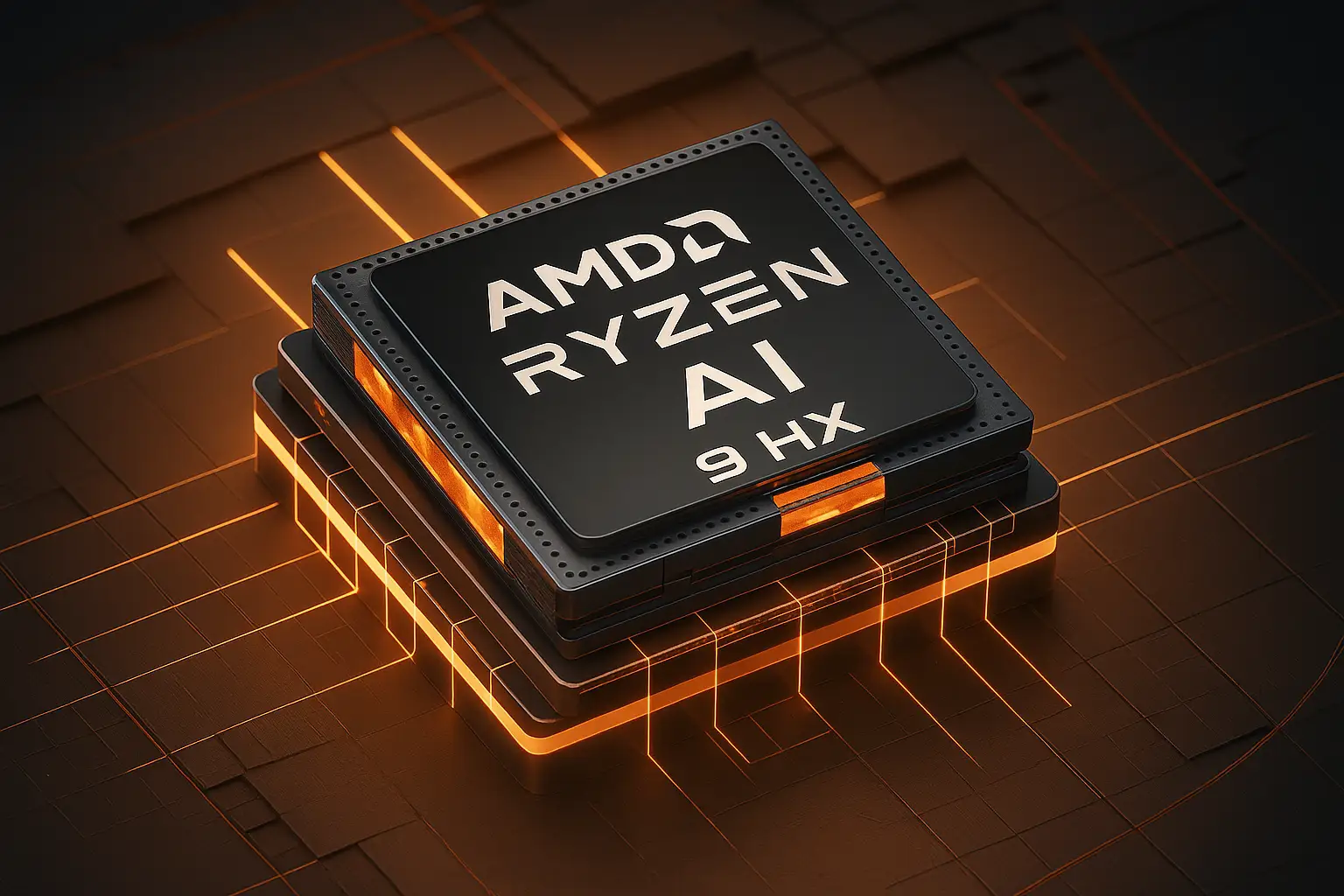
Choosing between AMD and Intel for software development comes down to how your specific toolchain handles multi-threading, single-core clock speeds, and memory bandwidth. If you compile massive C++ codebases, spin up local Kubernetes clusters, or run multiple heavy containers simultaneously, AMD Ryzen processors often deliver superior multi-core value. Conversely, if your work involves single-threaded IDE responsiveness or you need maximum power efficiency in a thin laptop chassis, Intel Core Ultra chips hold a distinct edge.
Your development environment dictates your hardware requirements far more than general benchmarking scores suggest. A web developer working primarily in JavaScript or Python inside VS Code won't stress a modern processor the same way a systems engineer building custom game engines or compiling large-scale Rust projects will. Knowing where each architecture shines helps you avoid overspending on specs you don't need while ensuring your build never stutters during a heavy build phase.
Understanding Developer Workloads
Different programming tasks place radically different demands on your silicon. Evaluating what your daily routine looks like prevents you from buying mismatched hardware.
Compilation and Build Times
When you trigger a full build, your compiler attempts to distribute tasks across every available core. AMD processors like the Ryzen 9 series offer high core counts at competitive price points, allowing for faster parallel compilation. Intel's hybrid architecture—combining performance cores and efficient cores—also handles heavy build phases well, but scheduling can occasionally favor pure symmetric core layouts for sustained all-core loads.
Virtualization and Containers
Running local database instances, Docker containers, and test virtual machines simultaneously consumes memory channels and CPU threads rapidly. Chips with higher thread counts prevent context-switching bottlenecks. If you routinely leave three different backend environments running in the background while testing frontend changes, multi-threaded throughput matters most.
IDE Responsiveness and Single-Thread Speed
Not every tool scales across sixteen cores. Writing code in resource-heavy text editors often depends heavily on single-core boost frequencies. Intel's architectural focus on peak single-thread performance keeps UI interactions snappy, especially when managing complex workspace extensions and live-reloading servers.
AMD Ryzen for Programming
AMD has carved out a dominant position in the developer workspace market by focusing on high core counts, thermal efficiency, and long platform lifecycles.
Core Density and Multi-Tasking
The Ryzen architecture excels when you're running parallel workflows. For example, if you're compiling a microservices architecture while rendering video assets or running local AI models, AMD chips sustain high clock speeds without thermal throttling under heavy loads.
Platform Longevity
AMD's commitment to socket longevity—such as the AM5 platform—means you can upgrade your processor two or three years down the line without swapping out your motherboard. For developers building custom desktop rigs, this reduces future upgrade friction significantly. For more details on current desktop configurations, you can look at PCMag's hardware reviews.
Intel Core Ultra for Programming
Intel approaches the developer market with a strong emphasis on mixed-workload efficiency, deep platform integrations, and specialized hardware accelerators.
Hybrid Architecture and Power Efficiency
Intel's modern desktop and mobile chips utilize a hybrid layout separating performance cores from efficient cores. Background tasks, compilation daemons, and chat apps land on efficient cores, keeping the main performance cores free for active coding. This design also translates to exceptional battery life in mobile workstations when you're coding on the move.
Media Engines and Connectivity
Intel platforms frequently integrate robust hardware media blocks and advanced connectivity features that benefit developers working across diverse software ecosystems. Enterprise environments often feature pre-validated drivers and software toolchains optimized specifically for Intel architectures. You can review enterprise specifications directly on the Intel Ark Database.
Key Hardware Factors Beyond the CPU
A fast processor cannot save a development rig hobbled by poor supporting components.
Memory Capacity and Speed
Never skimp on RAM. Running modern IDEs, node modules, Docker, and browser tabs with dozens of documentation pages demands at least 32GB of RAM for professional work. Ensure your motherboard pairs your CPU with fast DDR5 memory to feed data to your processor without stalls.
Storage I/O Performance
Code compilation reads and writes thousands of small files instantly. A sluggish solid-state drive creates massive bottlenecks during builds, regardless of whether you chose AMD or Intel. Invest in a high-end PCIe Gen 4 or Gen 5 NVMe drive with strong random read and write IOPS.
Common Mistakes When Choosing a Developer CPU
- Chasing vanity clock speeds: High single-core turbo numbers look great on paper, but sustained multi-core stability matters more when running test suites.
- Ignoring thermal limits: Putting a high-end processor into a compact case without adequate cooling leads to thermal throttling right in the middle of a long build.
- Underestimating RAM needs: Buying an expensive 16-core CPU and pairing it with 16GB of RAM guarantees your system will swap to disk during heavy containerized testing.
- Buying strictly for gaming: A CPU optimized purely for high-frame-rate gaming might lack the specific workstation stability or feature sets required for heavy enterprise software development.
Frequently Asked Questions
Is an Intel i5 or AMD Ryzen 5 enough for coding?
Yes, a 6-core processor handles standard web development, scripting, and moderate software engineering tasks comfortably. However, if you plan to run local databases, heavy Docker containers, or large compilation tasks frequently, stepping up to an 8-core Ryzen 7 or Intel Core Ultra 7 provides noticeable headroom.
Do I need a dedicated GPU for programming?
Most programming tasks rely entirely on the CPU, RAM, and storage. Unless you are developing 3D games, training local machine learning models, or working with heavy graphic rendering pipelines, a standard integrated GPU handles multiple external monitors and everyday coding environments easily.
Which brand offers better stability for Linux development?
Both AMD and Intel enjoy robust upstream Linux kernel support. AMD processors generally avoid proprietary scheduler quirks on Linux, making them a favorite among systems engineers and open-source contributors who prefer predictable, raw multi-threaded performance.
How many cores do I actually need for software development?
For basic frontend development and scripting, 6 cores work well. Full-stack engineers, backend developers running local container clusters, and mobile app developers building native apps in Android Studio or Xcode should target at least 8 to 16 cores to maintain smooth multitasking performance.



