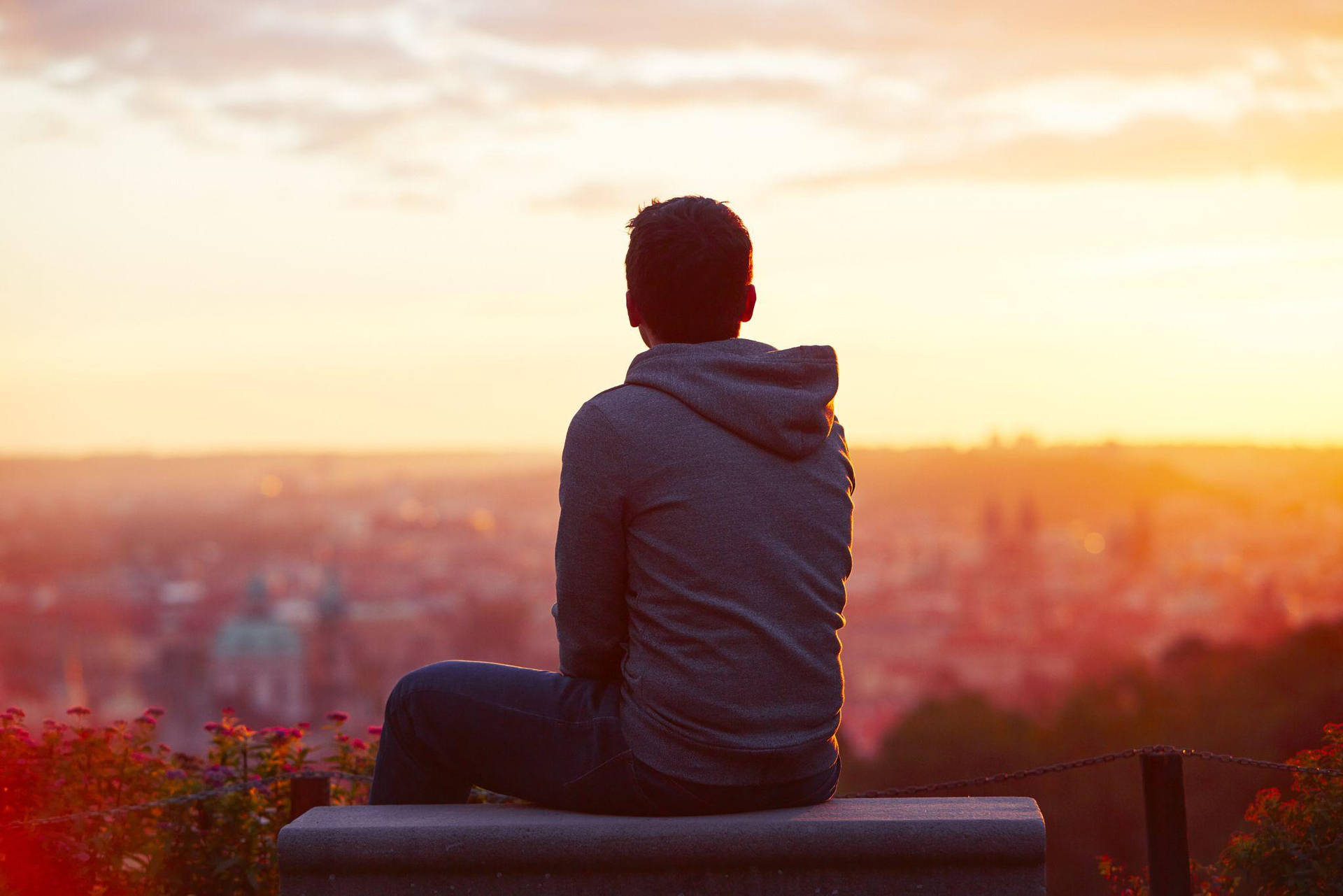
Static visuals used to mark the final destination of creative design. Today, a single photograph, digital painting, or product render serves as the starting line for dynamic video production. AI video generator apps have closed the gap between still photography and moving image, allowing creators to turn static frames into fluid motion without requiring a professional editing studio or complex keyframe animation skills.
Understanding how to bridge that transition requires more than simply uploading a picture and pressing generate. Modern generative workflows depend on precise model selection, structured motion prompts, and disciplined iteration to turn random AI artifacts into professional, coherent clips.
How Image-to-Video Transformation Works
At its technical core, an AI video generator app processes an initial raster image as an anchor frame, mapping pixels to latent space representations. Generative models like Kling AI, OpenAI Sora, or Google Veo predict subsequent frames by evaluating spatial continuity, physics, and lighting cues found within the source image.
Instead of building a video from absolute zero text prompts, the image-to-video workflow anchors the composition. This solves the primary weakness of early text-to-video systems: erratic character drift and morphing subjects. Because the application knows the exact starting appearance, eyes stay locked, product logos remain legible, and environmental textures keep their structural integrity across the generated span.
Choosing the Right Input Source
The quality of your output video relies almost entirely on the fidelity and clarity of your starting asset. Creators frequently fail during generation because they feed muddy, overcrowded, or poorly lit images into the pipeline.
- Subject Isolation: Make sure your main subject has a sharp silhouette against its background. Clean separation helps the model calculate depth layers accurately.
- Resolution and Sharpness: Upscale or sharpen low-resolution images before running them through an animator. Grainy inputs translate into distorted, shimmering artifacts in motion.
- Compositional Balance: Leave breathing room around the edges of your photo if you intend to apply camera pans, zooms, or multi-axis tracking movements.
Writing Effective Motion Prompts
Unlike standard text-to-video prompts that must describe an entire scene from scratch, image-to-video prompts focus strictly on change and trajectory. Your text input tells the model what moves, how fast it travels, and how the camera reacts.
An effective motion prompt names the specific action while explicitly protecting the foundational elements of the source image. For example, instead of writing vague directions like "make it cinematic," structure your prompt to target specific dynamics:
Preserve the character's facial features, clothing, and background layout. Add subtle breathing motion, gentle wind blowing through hair, and a slow, steady camera push-in under soft golden-hour lighting.
This granular approach gives the underlying neural network clear mathematical boundaries, drastically reducing strange visual mutations or sudden changes in wardrobe.
Step-by-Step Production Workflow
Moving from a static moment to a finished video clip requires a repeatable production routine. Skipping these steps often leads to wasted generation credits and inconsistent visual output.
- Prepare and Clean the Source Image: Crop your visual to the target aspect ratio (9:16 for vertical social feeds, 16:9 for cinematic widescreen) and clear out distracting background clutter.
- Select a Specialized Model: Choose a model tailored to your project goals. Use physics-heavy engines for realistic motion, or creator-focused platforms for stylized social clips.
- Draft the Motion Instructions: Write a concise prompt detailing foreground action, speed, and camera behavior without repeating details already visible in the still photo.
- Set Frame Controls and Duration: Keep initial test generations short—typically between 4 to 8 seconds—to evaluate motion stability before rendering longer sequences.
- Iterate and Refine: Review the output. If the camera movement works but the lighting fails, adjust only the lighting instructions in your next prompt iteration rather than rewriting the entire description.
Common Mistakes to Avoid
Even advanced creators run into predictable roadblocks when exploring generative animation tools. Recognizing these missteps saves time and computational budget.
- Overcomplicating the Prompt: Telling an AI model to make a character run, smile, speak, change clothes, and dodge falling debris all in one 5-second clip results in chaotic blurring. Keep actions singular and clean.
- Ignoring Aspect Ratios: Uploading a square image and forcing it into a vertical 9:16 video without proper padding leads to awkward auto-cropping and warped focal points.
- Chasing Perfection in One Pass: Generative video thrives on iteration. Treat your first generation as a rough draft, then use specialized upscalers or frame-interpolation tools to polish the final asset.
Frequently Asked Questions
Can I animate any type of image?
Yes, most modern generation suites accept portraits, product mockups, digital illustrations, and architectural renders. However, abstract or heavily distorted images yield unpredictable motion paths because the AI struggles to interpret physical depth.
How long does an AI-generated video clip take to render?
Render times vary based on server loads, resolution settings, and model complexity. Standard clips take anywhere from 30 seconds to several minutes to process on cloud-based generation platforms.
Do I need a powerful computer to run these apps?
No. Because heavy neural network computations happen on cloud servers, you can run high-end video generation apps smoothly through standard web browsers on modest laptops or mobile devices.
Are AI-generated videos safe for commercial use?
Commercial eligibility depends entirely on the terms of service of the specific platform you use and the origin of your source image. Always verify that your base image is properly licensed and review the platform's commercial guidelines before publishing branded campaigns.



